
Format-aware conversion
Start from selected image files and move into the right conversion workflow with clear output choices.
IConverter keeps image conversion, resizing, metadata cleanup, and output review in one guided mobile workspace.
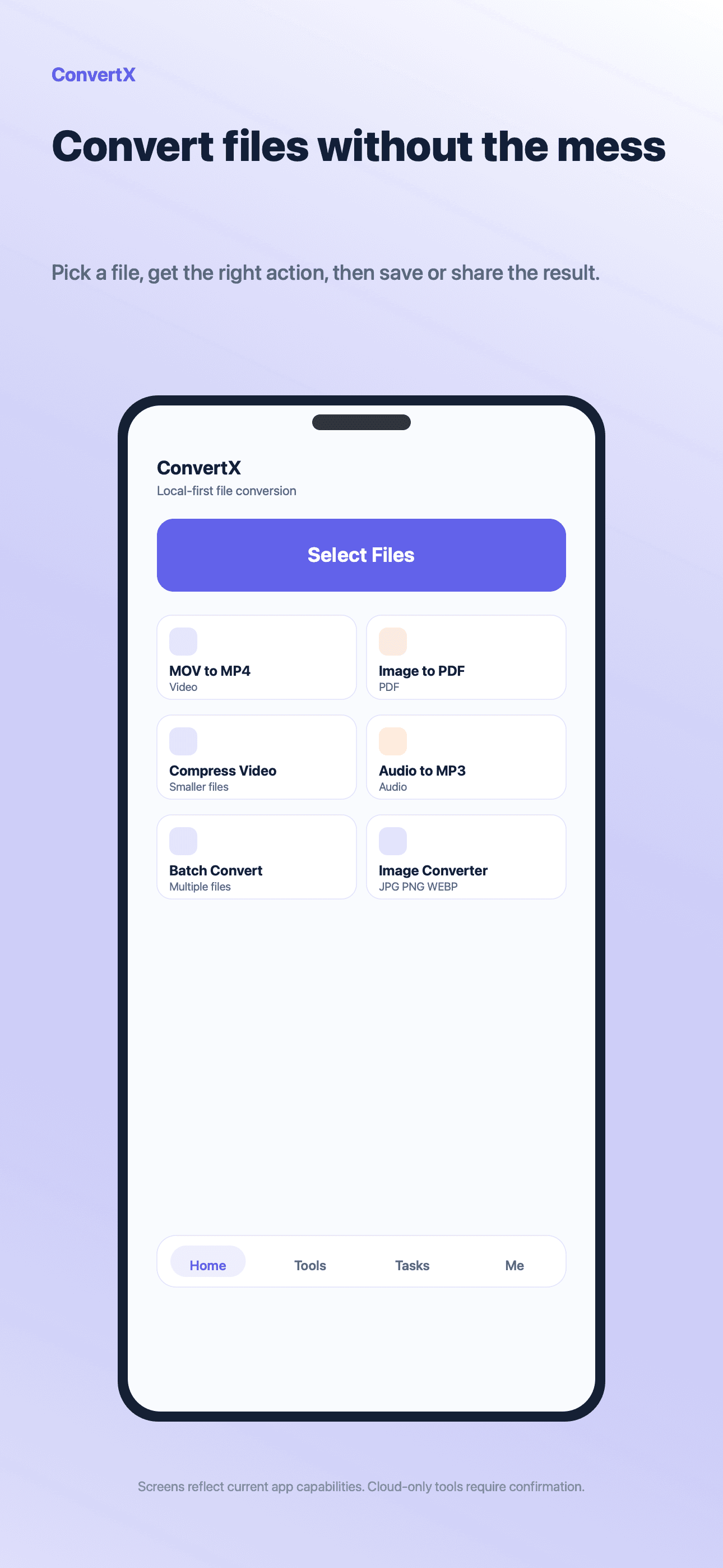
IConverter
A mobile workspace for conversion, compression, batch work, and output management.
Core benefits
The tool is presented as a complete path from input to useful output, not a disconnected feature list.
Start from selected image files and move into the right conversion workflow with clear output choices.
Prepare images for messages, forms, uploads, or sharing by adjusting size and removing metadata where supported.
Review completed files, compare results, save, share, or retry from the result flow.
Supported tasks run on device where available. Cloud-assisted tasks are separated behind user-facing notices.
Workflow
Each step follows the practical file workflow users already expect on mobile.
Pick one or more images
Choose the image tool and output format
Adjust size, quality, or metadata options
Save or share the finished files
FAQ
IConverter is designed for common mobile image workflows, including HEIC-oriented conversion paths where supported by the device and app version.
Yes. Image workflows include size and output controls so files can be prepared before saving or sharing.
No. Supported image tasks run on the device where available. Cloud-assisted processing is separated behind clear notices.
Related tools
Batch process repeated image, media, and PDF tasks in IConverter with visible output management and clear limits.
View toolUse IConverter for mobile PDF workflows including PDF creation, page operations, compression, and document output management.
View toolCompress videos, trim clips, adjust output settings, and prepare video files for sharing with IConverter on mobile.
View toolReady for files