
01
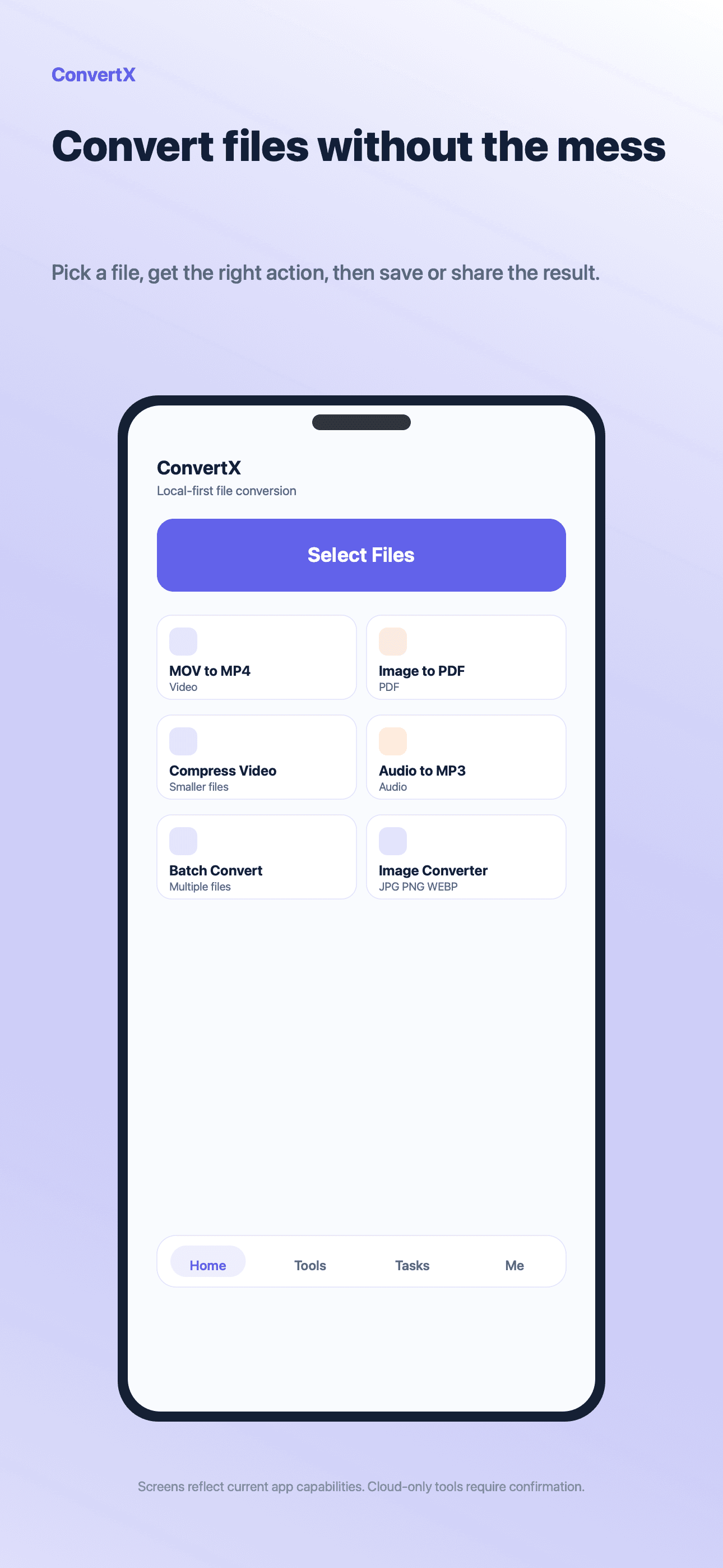
Pick a file
Import images, videos, audio, and PDFs from the places already available on the device.
IConverter brings image tools, video compression, audio conversion, PDF workflows, batch processing, and output management into a single mobile utility.
Workflow
Start from a file, choose the right tool, review options, and keep the converted result in a visible output list.
Import images, videos, audio, and PDFs from the places already available on the device.
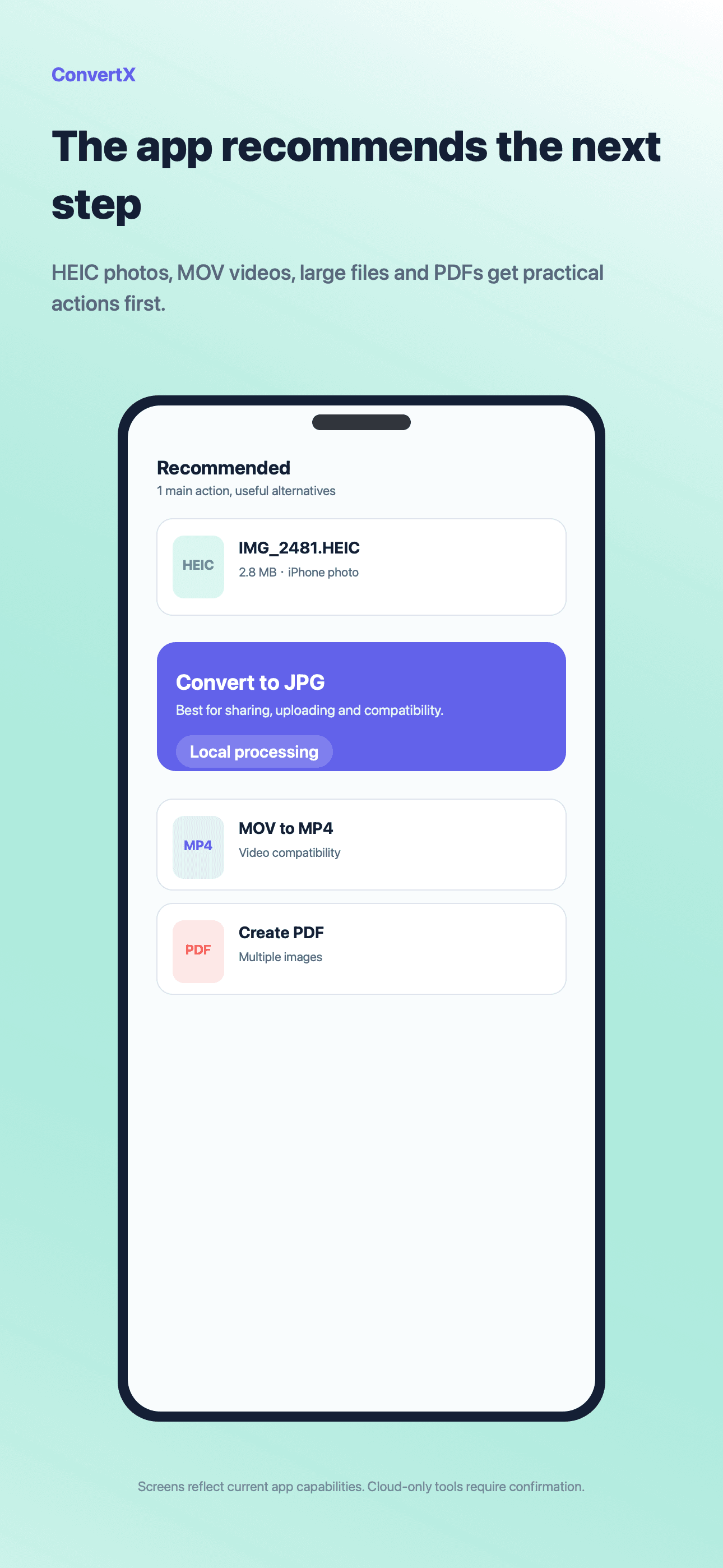
Use format-aware suggestions or open a specific converter, compressor, metadata, PDF, or batch tool.
Set target format, quality, size, page range, batch rules, and conversion mode before processing.
Review outputs, compare file sizes, retry if needed, and send finished files through the system share sheet.
Core features
IConverter is organized by file tasks, not by hidden technical steps. Users can move from import to output without switching apps.
Media
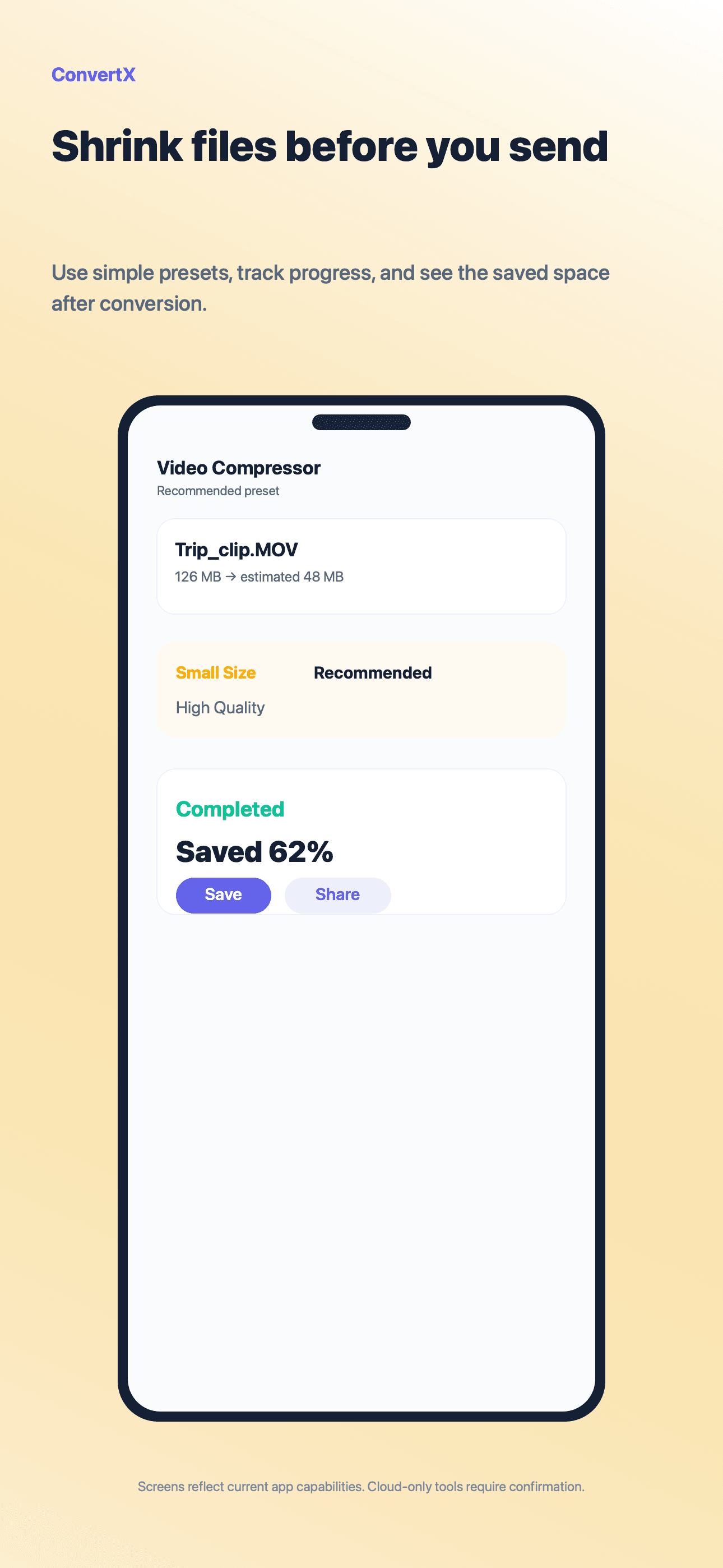
Convert common media formats, compress large files, extract audio, resize images, and prepare files for sharing.
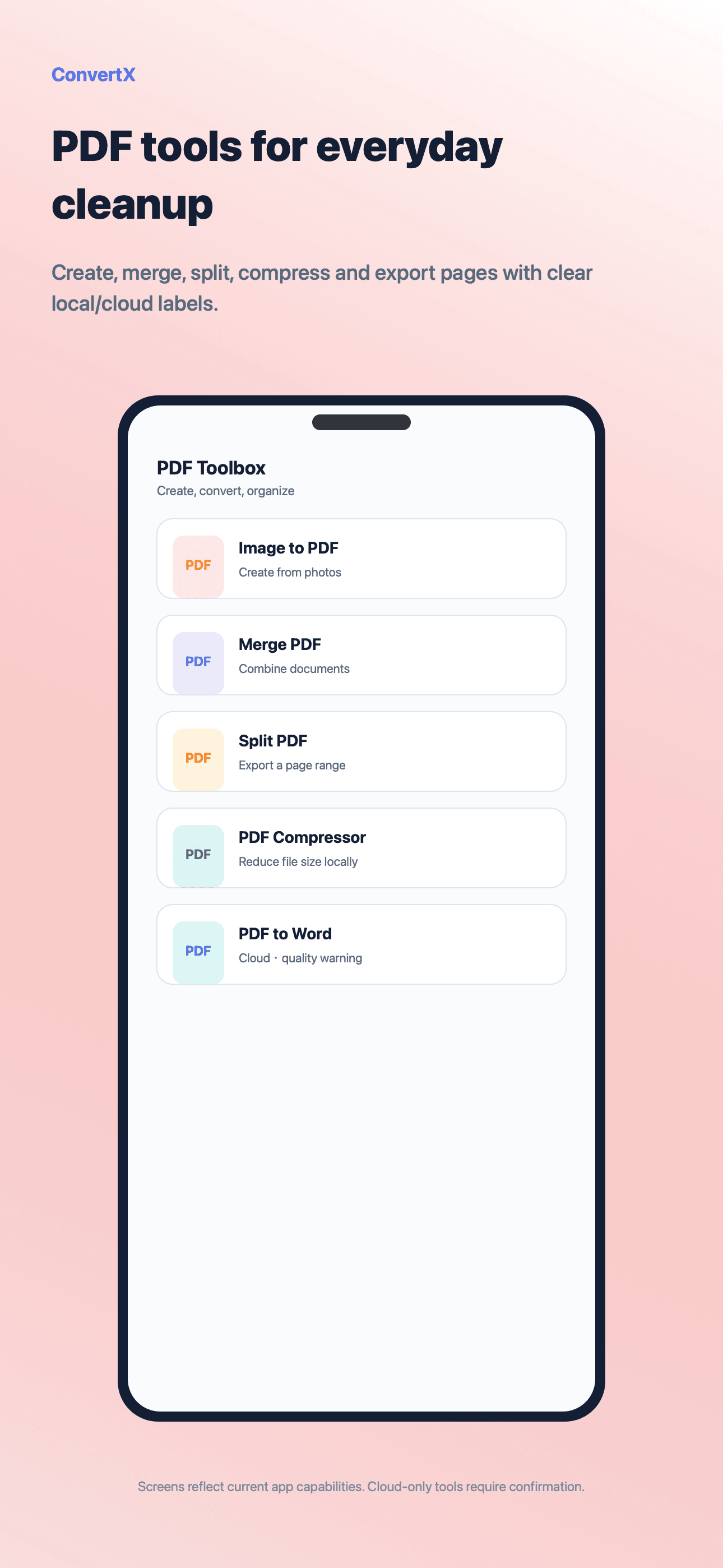
Create PDFs from images, split or merge pages, compress PDF files, and keep PDF operations in one guided flow.
Batch
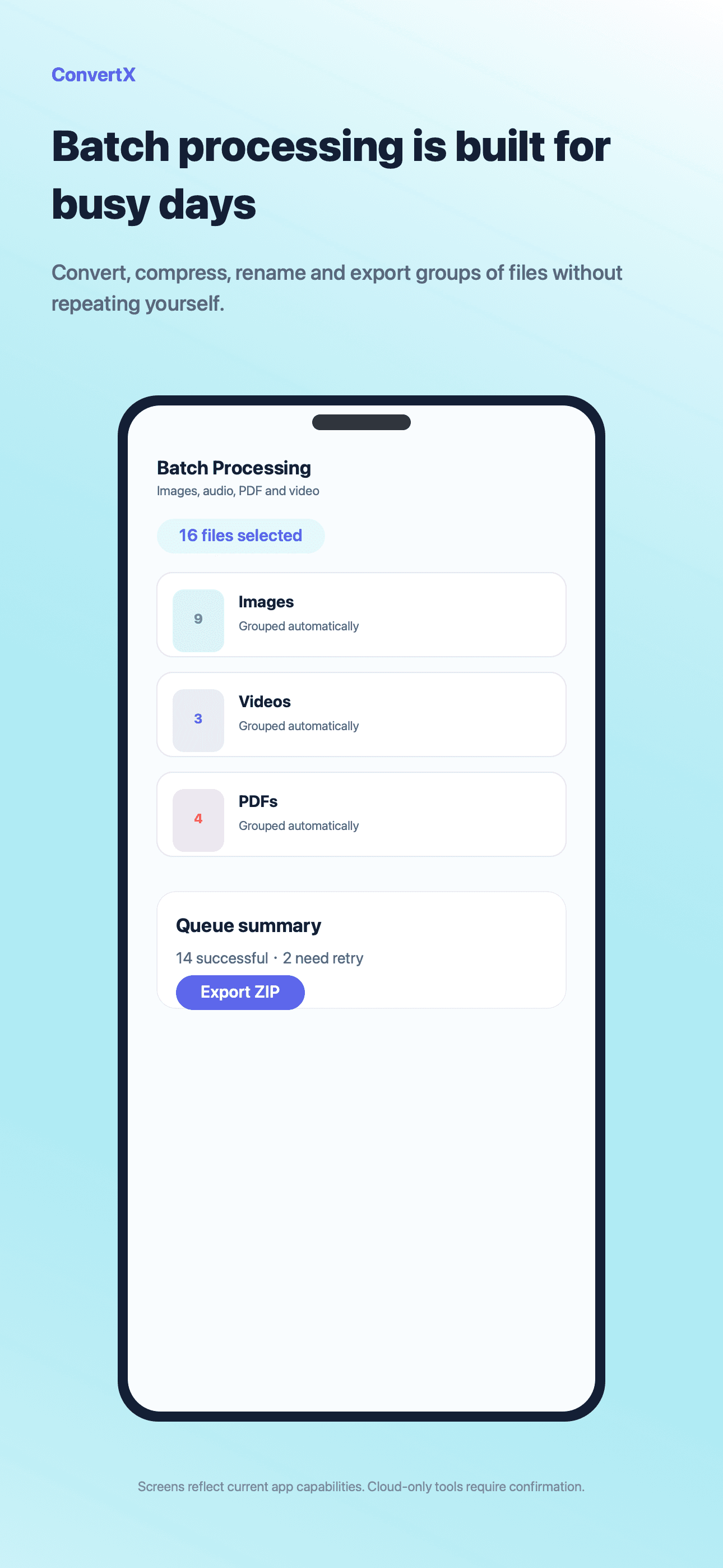
Run repeatable file actions across multiple inputs and keep completed results visible for saving, sharing, or retrying.
Screens
The screens show the product structure users actually see: file-first entry, recommendations, converters, PDF tools, batch processing, and privacy handling.
Start with the file and move into the right tool
Cloud processing is separated behind clear notices
Main workspace
A direct entry into file import and tool selection
Suggested tools based on selected file types
Review the output and size impact before sharing
Why it works
A practical converter needs input handling, format decisions, quality controls, batch work, and clear output management.
Pro
IConverter keeps everyday conversion simple and unlocks higher-volume workflows, larger limits, cloud-assisted tasks, and Pro tools when needed.
FAQ
No. Supported tasks run on the device when available. Cloud processing is used only for eligible tasks after a clear notice.
Yes. IConverter covers image, video, audio, PDF, and batch workflows, with availability depending on the selected file and tool.
Completed outputs appear in the app result flow so you can review, save, share, or retry them.
Ready for files